
Formats and completed examples
Restaurant Bill Format
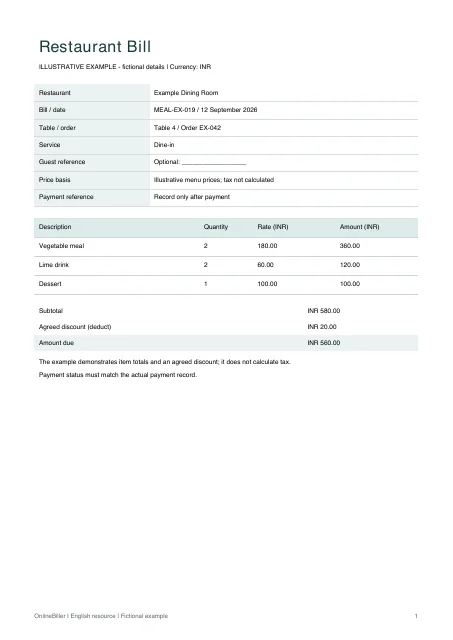
Download an itemized restaurant bill in Word, Excel or PDF. The meal example lists food and drink quantities, menu prices and an agreed discount, reducing INR 580 of items to INR 560.
Restaurants preparing their own bills, and readers checking itemized meal charges.
On this page
At a glance
- List each item and serving quantity so the guest can check the order.
- The Excel example deducts one entered discount; it does not calculate tax or service charges.
- Keep the payment reference separate and record it only after payment.
Download your format
Files are in English. Choose the version you need below.
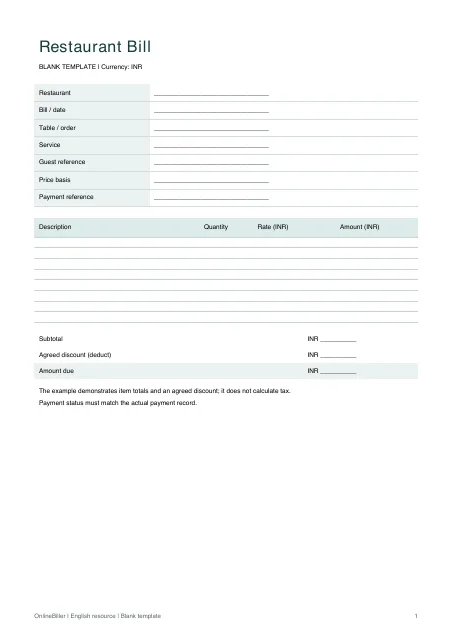
Blank template — DOCX
Editable Word document. Enter and check amounts manually; totals do not recalculate.
Download DOCX38 KB · A4 · Enter and check totals yourselfBlank template — PDF
Print-ready fixed document. It has no fillable form fields.
 View PDF previewDownload PDF7 KB · A4 · No calculations needed
Blank + example workbook — Excel
Includes Blank, Example and Instructions sheets. Formulas and fixed entry limits are documented inside.
Download XLSX11 KB · A4 · Includes calculationsWorked example — DOCX
Editable Word document. Enter and check amounts manually; totals do not recalculate.
Download DOCX38 KB · A4 · Enter and check totals yourselfWorked example — PDF
Print-ready fixed document. It has no fillable form fields.
 View PDF previewDownload PDF7 KB · A4 · No calculations needed
A completed example
| Description | Quantity | Rate (INR) | Amount (INR) |
|---|---|---|---|
| Vegetable meal | 2 | 180.00 | 360.00 |
| Lime drink | 2 | 60.00 | 120.00 |
| Dessert | 1 | 100.00 | 100.00 |
Fictional example. Use the figures only to follow the document and calculation.
What to fill in
| Field | What to enter | Example |
|---|---|---|
| Item and quantity | Name the item and count each serving once. | Vegetable meal x 2 |
| Menu rate | Enter the agreed price per serving. | INR 180 per meal |
| Discount | Enter the agreed discount in its labeled cell; leave formula totals intact. No payment-deduction field is included. | Agreed discount: INR 20 |
| Tax and service charges | The example does not calculate either. Review the applicable treatment separately. | No automatic tax or service-charge rate |
Make the meal easy to check
A useful meal bill lists the supplied items before the total. Keep quantity and rate visible so a guest can spot a missing, repeated or incorrect item.
Keep adjustments transparent
The meal items total INR 580. The example deducts an agreed INR 20 discount, leaving INR 560. The workbook does not assume any tax rate or compulsory service charge.
Check before issuing
- Match the item list and quantities to the completed order.
- Check the rate for each item rather than changing the final total.
- Enter only the actual agreed adjustment in its labeled cell.
- Check the sum and payment status, then inspect the print area.
Use the meal worksheet or manual file
The Excel file has ten item rows and a discount input. Its formulas multiply quantity by rate, add the lines and deduct the discount. Word amounts are manual; the fixed A4 PDFs can be printed. Keep an issued copy and the payment record together.
Common questions
Is this an event or catering invoice?
This file is designed around a meal order. Use the catering format for guest-count pricing, staffing, venue or event deposits.
Will adding a row update every formula?
The workbook has ten predefined entry rows. Use those rows or deliberately extend and recheck the formulas; do not assume a row below the print area is included.